Comper Insights, Smarter Diagrams, and Guides Are Live
Three updates that make Comper noticeably more useful the next time you open it: structured codebase reports, shareable AI diagrams, and interactive in-product guides.
April was a month of building the foundation. No single headline feature: three updates that each make Comper noticeably more useful the next time you open it, and noticeably easier to share with the people around you.
Here's what shipped.
Comper Insights V1
The most common questions we hear from engineering leaders aren't binary. Instead it's “What are the people / performance / security / quality trends that I need to see if things are moving in the right direction?”
That's what Insights is for.
Comper Insights v1 is now generally available to all customers. With one click, you get a structured report across the dimensions that matter most for your codebase's health:
Maintainability: where is the code ageing poorly?
Code Complexity: where are the hotspots that slow down your team?
Security posture: where is your exposure, and how has it changed?
Technical Debt: what's the backlog your team is carrying?
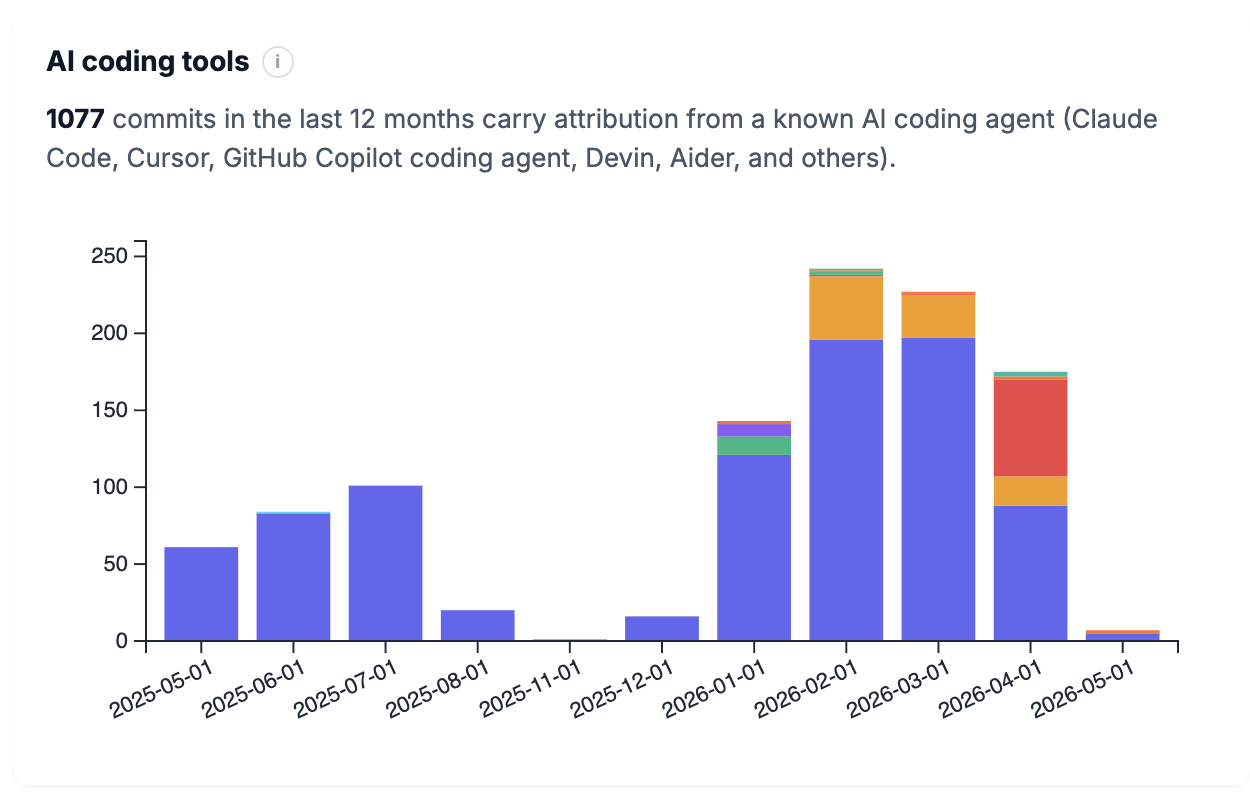
AI development tool usage: how much of your codebase was AI-assisted, and where?
Reports are downloadable and shareable. They're designed to move vertically: from engineering to product, from the CTO to the board, from a team lead to a stakeholder who needs the picture without the code.
Find Insights under the Reports section inside your Comper workspace.
AI Diagrams: Redesigned and Shareable
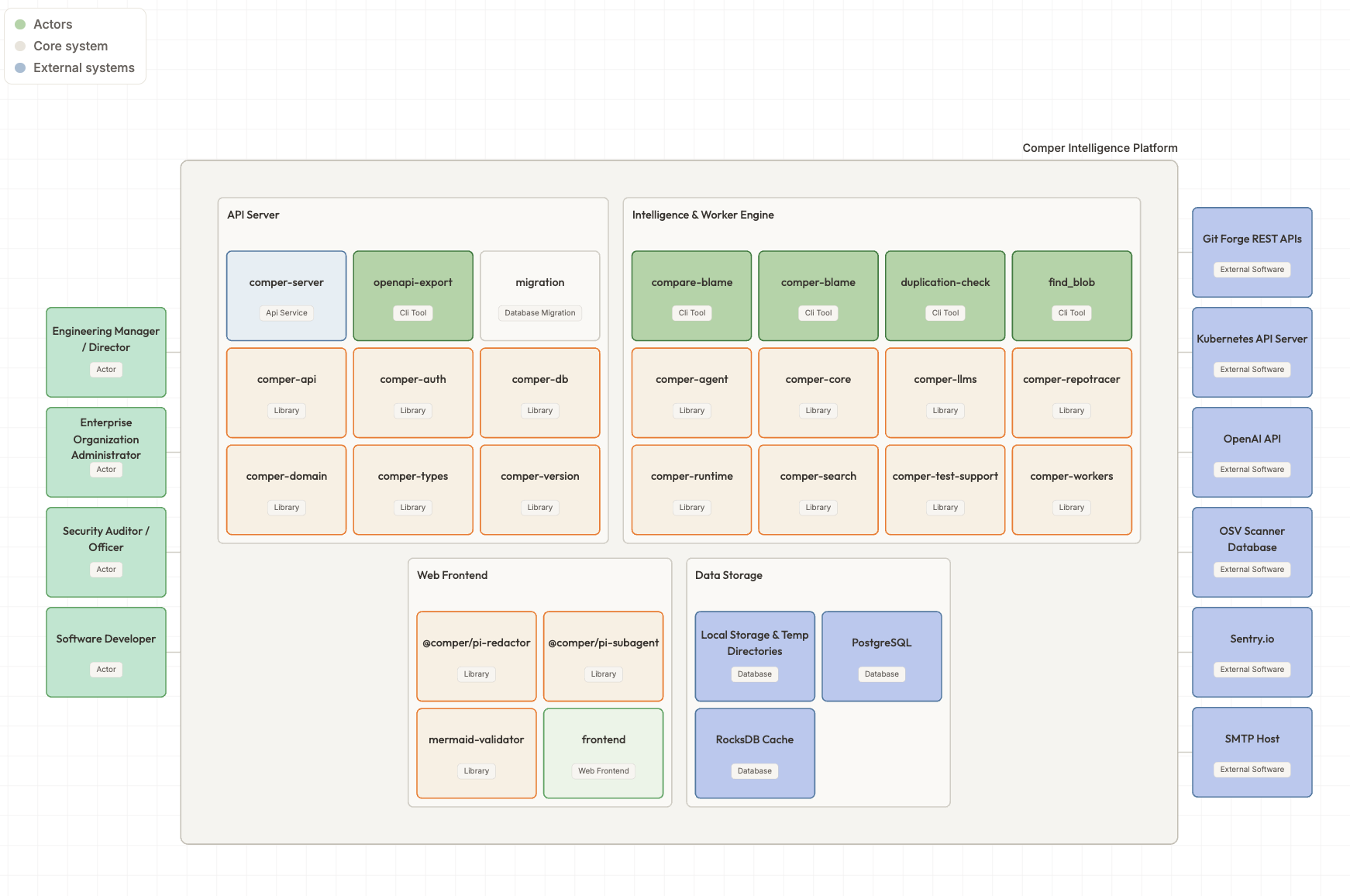
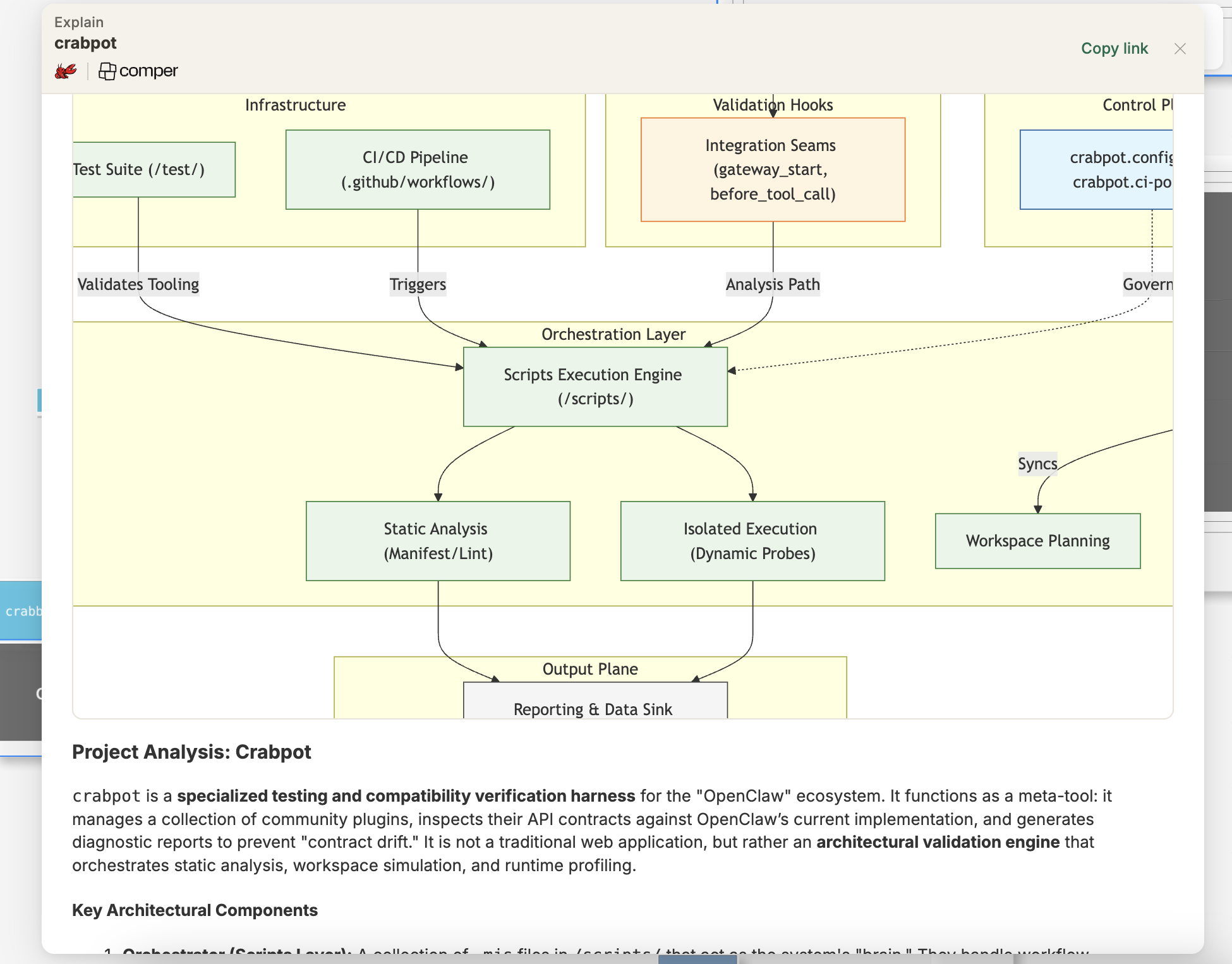
Comper has always generated AI-powered architecture diagrams of your codebase: visual maps of how your system is structured, how modules relate, and where dependencies live. In April we rebuilt the experience.
The redesigned Diagram view is cleaner and significantly easier to navigate. More importantly, diagrams are now shareable: generate a link and send it to a colleague, and they'll see exactly what you're looking at.
This matters because architecture conversations (the ones where you're trying to get two people looking at the same picture of the system) have historically required both people to be in the product at the same time, or someone to take a screenshot and lose the interactivity.
Shared links solve that. Your architecture view is now a team artifact, not a personal one, and it is linked to the code and updates whenever it's out of date.
Documentation & Guides
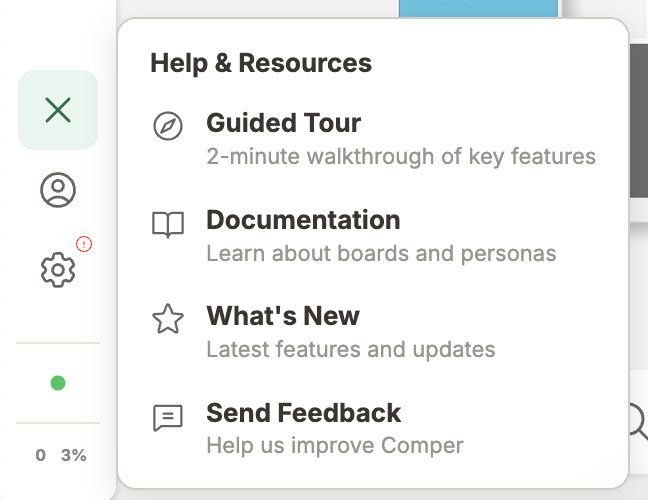
There's a lot inside Comper. And until now, discovering it has involved a combination of exploration, external docs, and occasionally asking us.
In April we brought the documentation inside the product. Find the ? icon on your canvas: it opens an interactive guide that walks you through Comper's capabilities, feature by feature, at your own pace.
If you've been using Comper for a while and suspect there are features you haven't fully explored, this is the fastest way to find them. If you're newer to the product, it's the right place to start.
The guides will grow as the product grows. Feedback on what's missing or unclear is welcome at [email protected].
What's Coming
May brings Comper Prompt, a natural-language interface to your codebase. Ask questions like “where does this service process PII?” or “who understands the payment module?” and get answers grounded in your actual code and history, not a hallucination.
More details soon.
In the meantime, the April updates are live. Log into Comper and look for Insights under Reports, updated Diagrams in your canvas, and the ? icon for guides.
Missing anything or want to share feedback on what we've built? [email protected].