Computed, not maintained
Health scores, ownership, and architecture are computed directly from real Git history and static code analysis. No manual YAML registration, no stale portal data.
Backstage is a framework your team builds and runs: you host it, write catalog YAML for every service and keep it up to date by hand. Comper needs none of that. It reads your source code and full Git history directly, so the picture stays accurate on its own.
Connect your repositories and Comper builds the map from the code. No catalog files to write, no portal to host, no plugins to keep up to date.
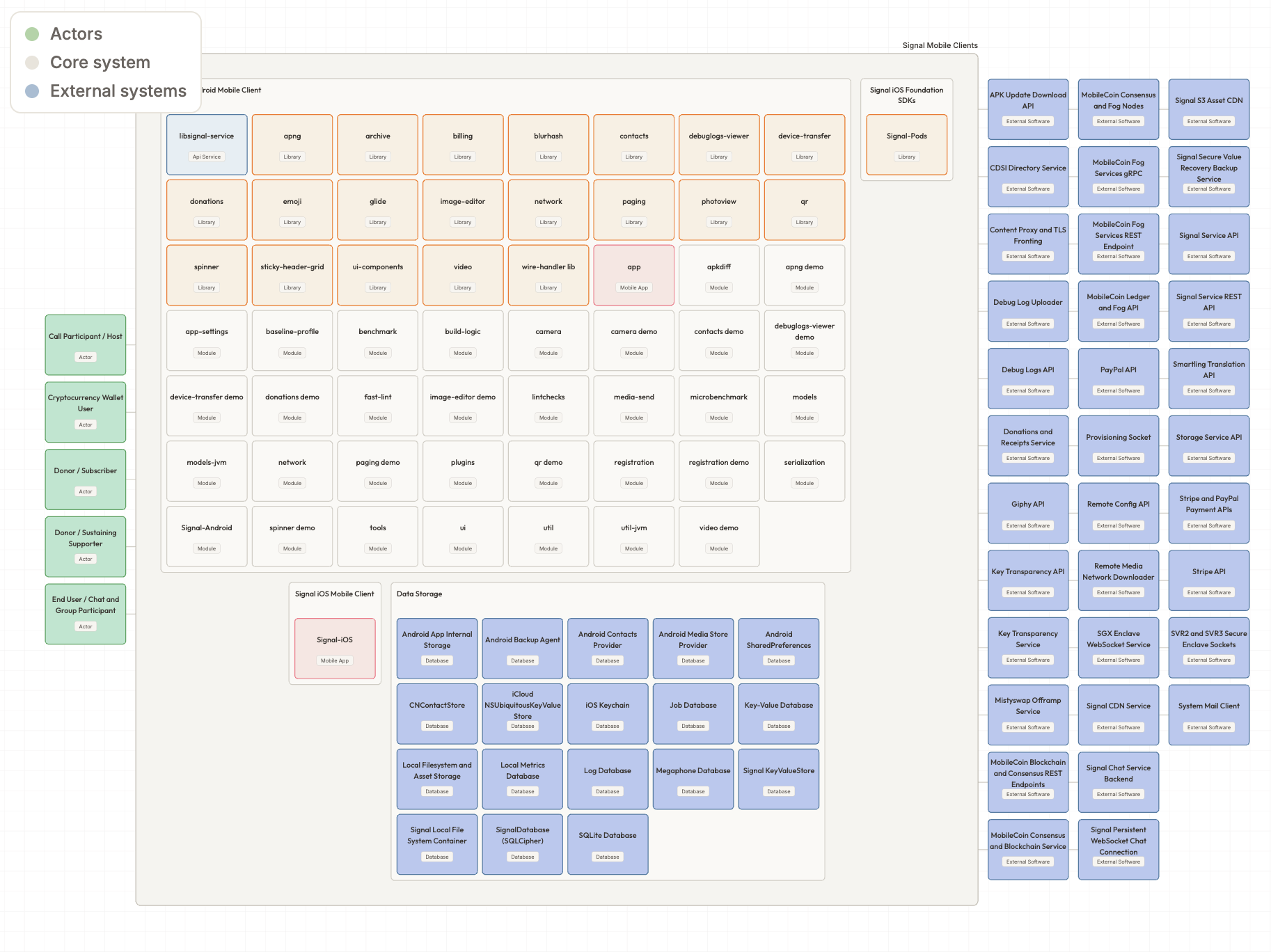
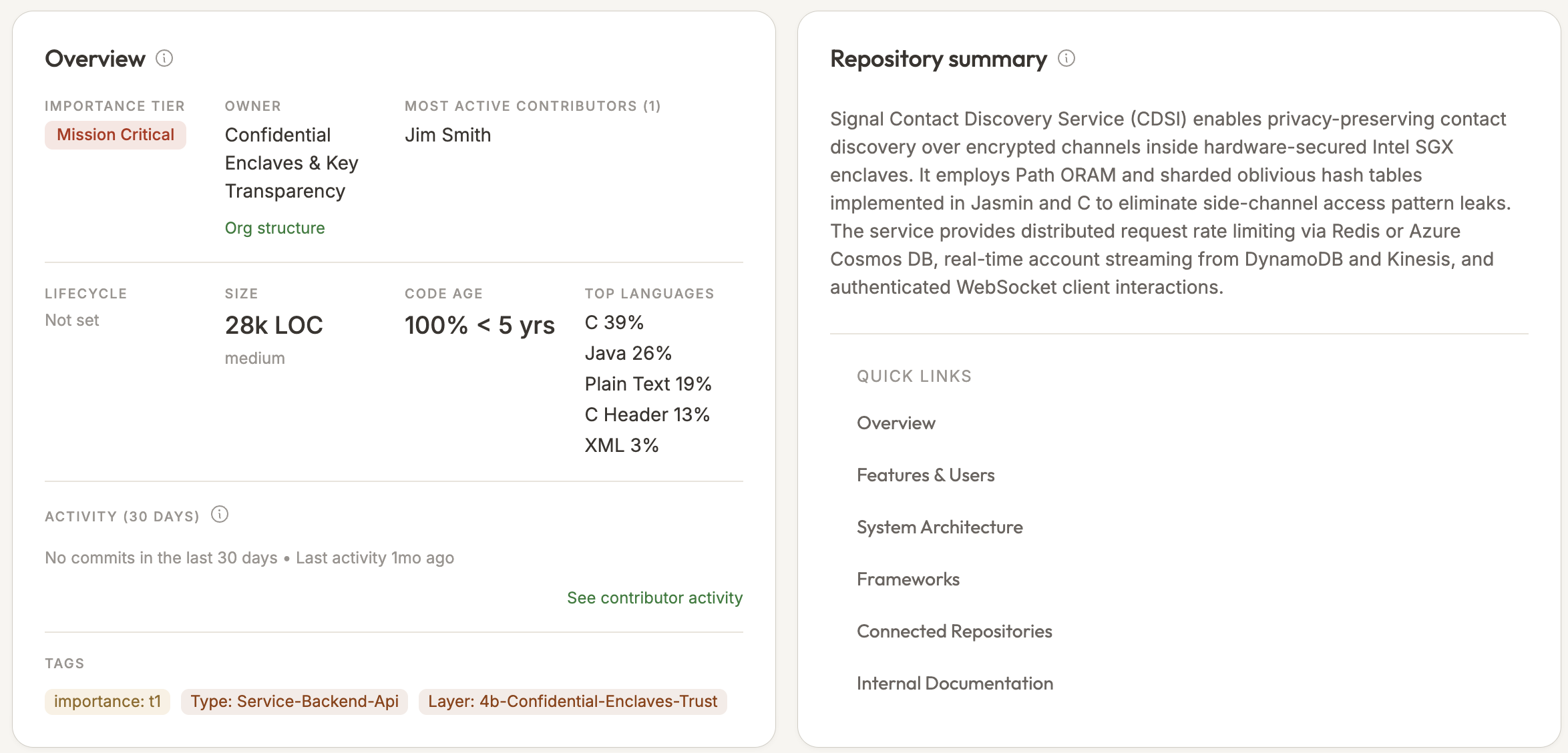
Comper reads the code itself: architecture, code-level dependencies, ownership and product flows, not only the metadata teams register.
Comper analyses your entire Git history, so you can see how architecture, ownership and risk have changed over the years.
Legacy engineering tools force teams to buy, integrate, and maintain three or four separate platforms. Comper consolidates software context, engineering metrics, developer portal visibility, and code quality into a single, automated spatial canvas.
Health scores, ownership, and architecture are computed directly from real Git history and static code analysis. No manual YAML registration, no stale portal data.
An infinite, living, zoomable visual map connecting repositories, architecture diagrams, and team ownership in real time.
Native Model Context Protocol (MCP) context, AI tool adoption tracking, and agent-readiness scoring designed specifically for the AI coding era.
Replace separate subscriptions for engineering productivity (Swarmia), developer catalogs (Backstage/Port), and code quality engines.
Provides the foundations, services, and standards that enable developers to build and ship software efficiently.
Provides visibility into code health, quality, and engineering metrics to drive better decisions and outcomes.
Help developers and engineering leadership plan, build, test, collaborate, and deliver software more effectively.
The shared understanding of the codebase, systems, architecture and developer activity that connects everything.
Backstage and Comper both help organizations make complex software landscapes easier to understand and give developers better access to technical context.
Generated from your source code and Git history on every change. No catalog YAML to write or keep up to date.
| Capability | Backstage | Comper |
|---|---|---|
| One-click setup | Self-hosted build & configuration | |
| No maintenance, no configuration needed | Catalog YAML maintained by teams | |
| Software catalog | ||
| Service discovery | ||
| Declared ownership | ||
| Actual knowledge / expertise | Limited | |
| API catalog | ||
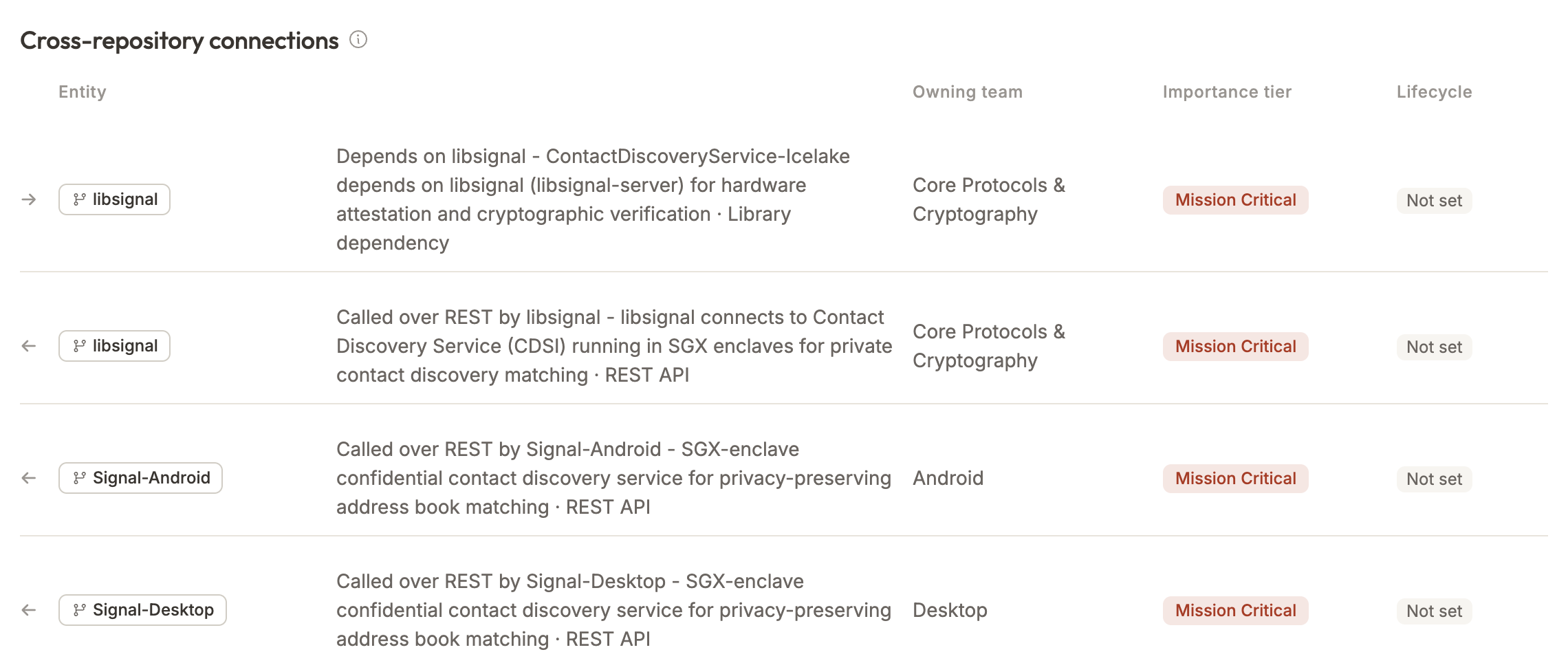
| Entity-level dependencies | ||
| Code-level dependency graph | ||
| Source-code understanding | ||
| Architecture discovery | Requires catalog/integrations | |
| Historical software evolution | ||
| Change impact analysis | ||
| Product flow → technical implementation | ||
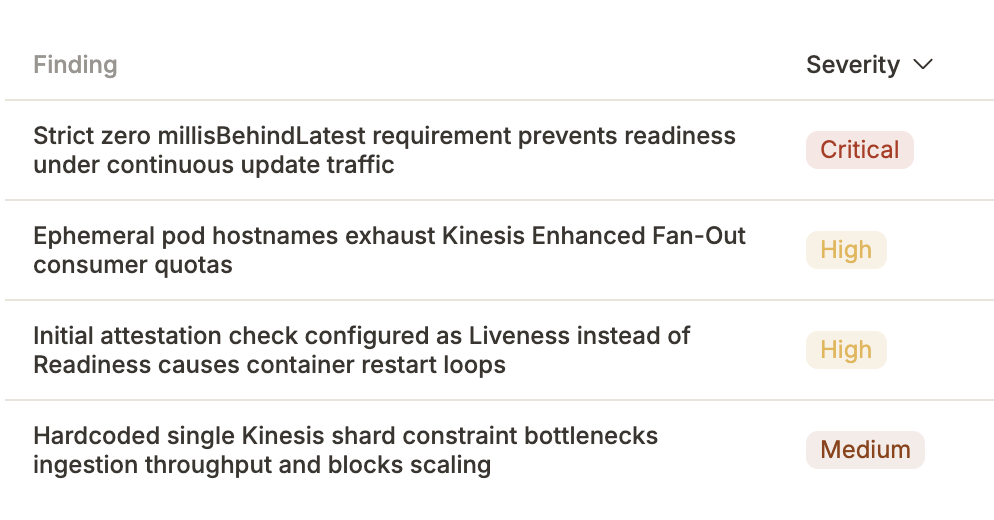
| Technical risk / debt intelligence | Via plugins/integrations | |
| Security / CVE scanning | Via third-party plugins | |
| Secret scanning | Via third-party plugins | |
| Living documentation from software | ||
| Self-service developer portal | ||
| Software templates / scaffolding | ||
| Plugin ecosystem | ||
| MCP / AI access | ||
| Context for AI agents | Catalog + actions | Deep software context |
| Product & leadership perspective | Limited | |
| Deployment options | Self-hosted (you build & run it) | On-prem or SaaS |
| EU hosting / GDPR | Depends on where you host it | EU-hosted SaaS or on-prem, GDPR compliant |
Metadata → Catalog → Developer Portal
Backstage helps developers navigate the engineering organization.
Software → Software Graph → Intelligence
Comper helps humans and agents understand the software itself.
A service catalog is incredibly useful when you have hundreds or thousands of services.
But knowing that something exists is only the beginning. The next questions are:
Comper continuously answers those questions from the software itself.
Choose Comper when the main problem isn't finding a service. It's understanding it.
When your technical landscape has become too large for anyone to keep in their head, and important questions still require asking engineers, inspecting repositories, tracing dependencies, checking outdated diagrams and piecing together years of history, a catalog isn't enough.
Comper builds that understanding automatically. One continuously evolving software graph.
Choose Backstage if your primary goal is building a developer portal.
If you want a self-service portal where developers launch standardized software through templates, access internal tools, and build custom workflows through an open-source plugin ecosystem, Backstage is designed specifically for that.
It's a powerful platform for organizing the developer experience.